All representatives will have the ability to edit any of their talent's information on their behalf. To do this, click on talent library and select the 'tools' icon on the right of the talent.

This will take you to the talent's page where you can show/hide their media content, edit resume credits and change talent information by navigating to the tabs at the top.
The 'Talent Info' tab will be in use for you to add/edit general appearance, contact information, add credits to resume etc. The Images/Video/Audio tab will allow you to upload media as well as hide/show any content for talent. The resume tab only allows you to show/hide overall categories, in order to add credit you must go to 'Talent Info'

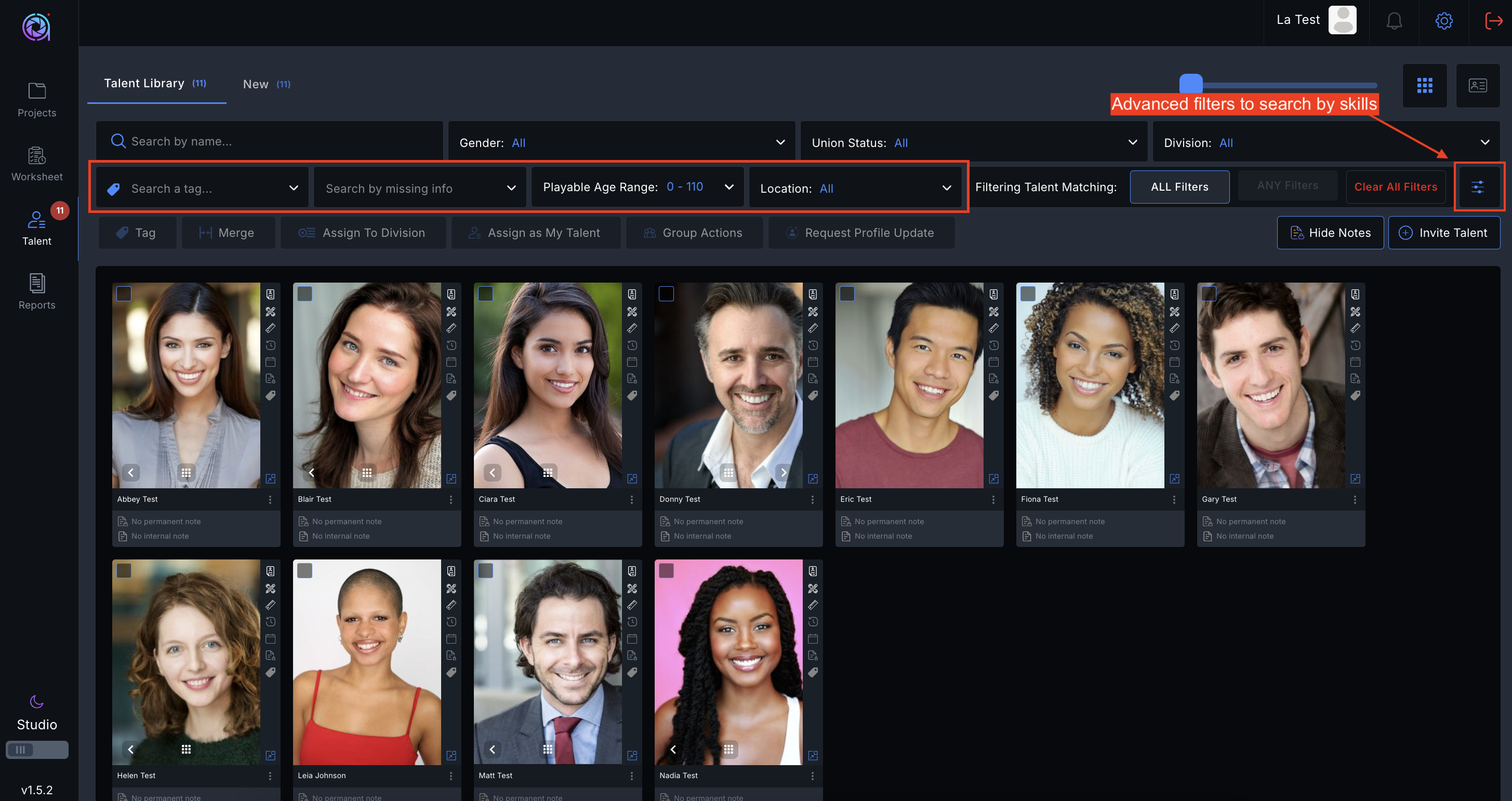
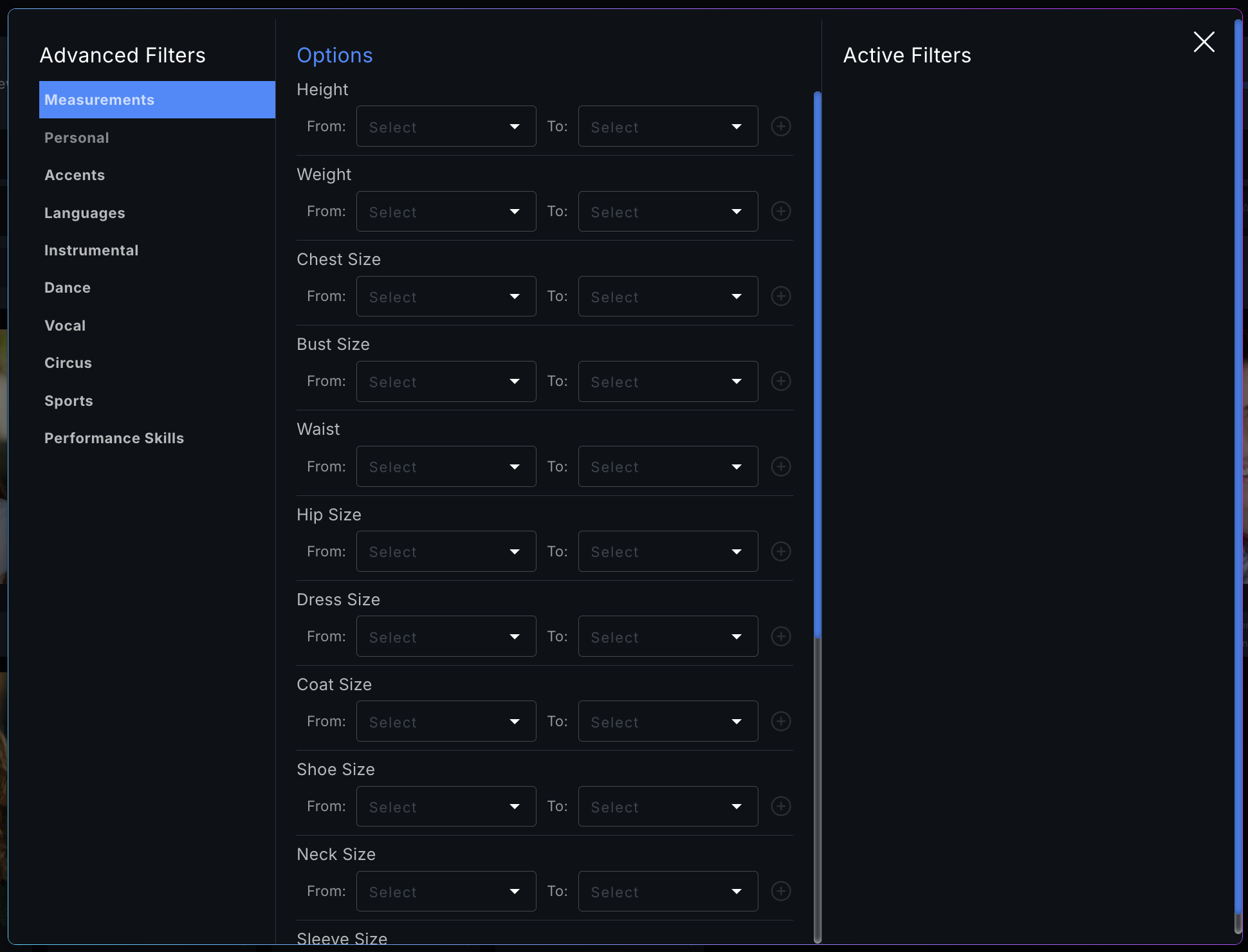
Please note we have updated our filters on Talent Library to include age range, filters for missing information as well as search ability on skills.
Please see a video demonstration here:
Was this article helpful?
That’s Great!
Thank you for your feedback
Sorry! We couldn't be helpful
Thank you for your feedback
Feedback sent
We appreciate your effort and will try to fix the article