If you are a talent (actor, model, voiceover performer etc.) you can sign up for Casting.com either through your agency, or simply click here. We recommend using Google Chrome for all things Casting.com. Once you register for an account, you can upload your headshots, add media such as videos or audio files, and add your representatives.
Please note: you do not need multiple accounts if you have multiple agents and/or managers. All your representatives can be added to one account.
If talent is under the age of 18, a guardian will need to create a family account. Family accounts are also for talent that are 18 years or older, who are also the guardian of a minor talent.
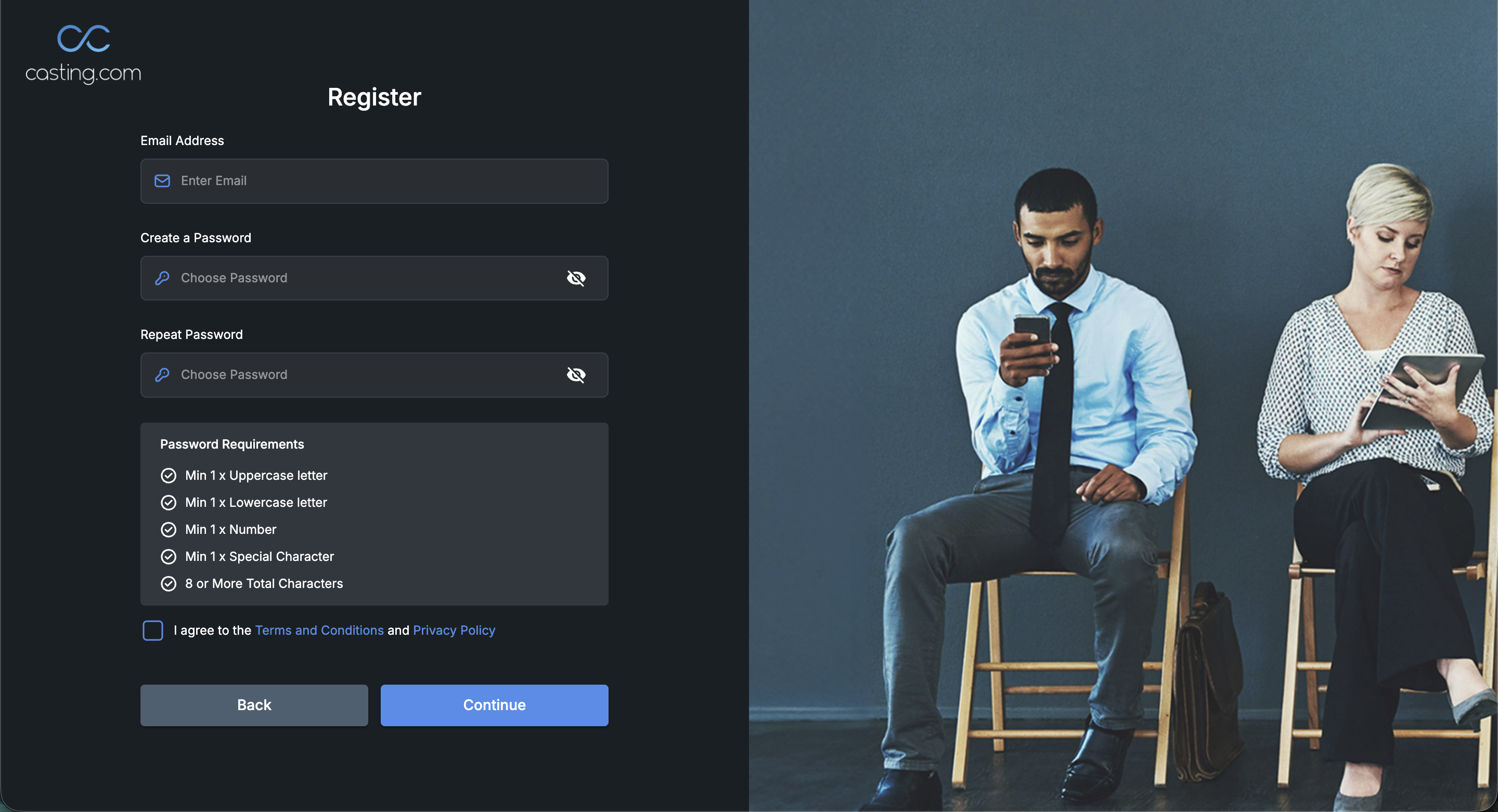
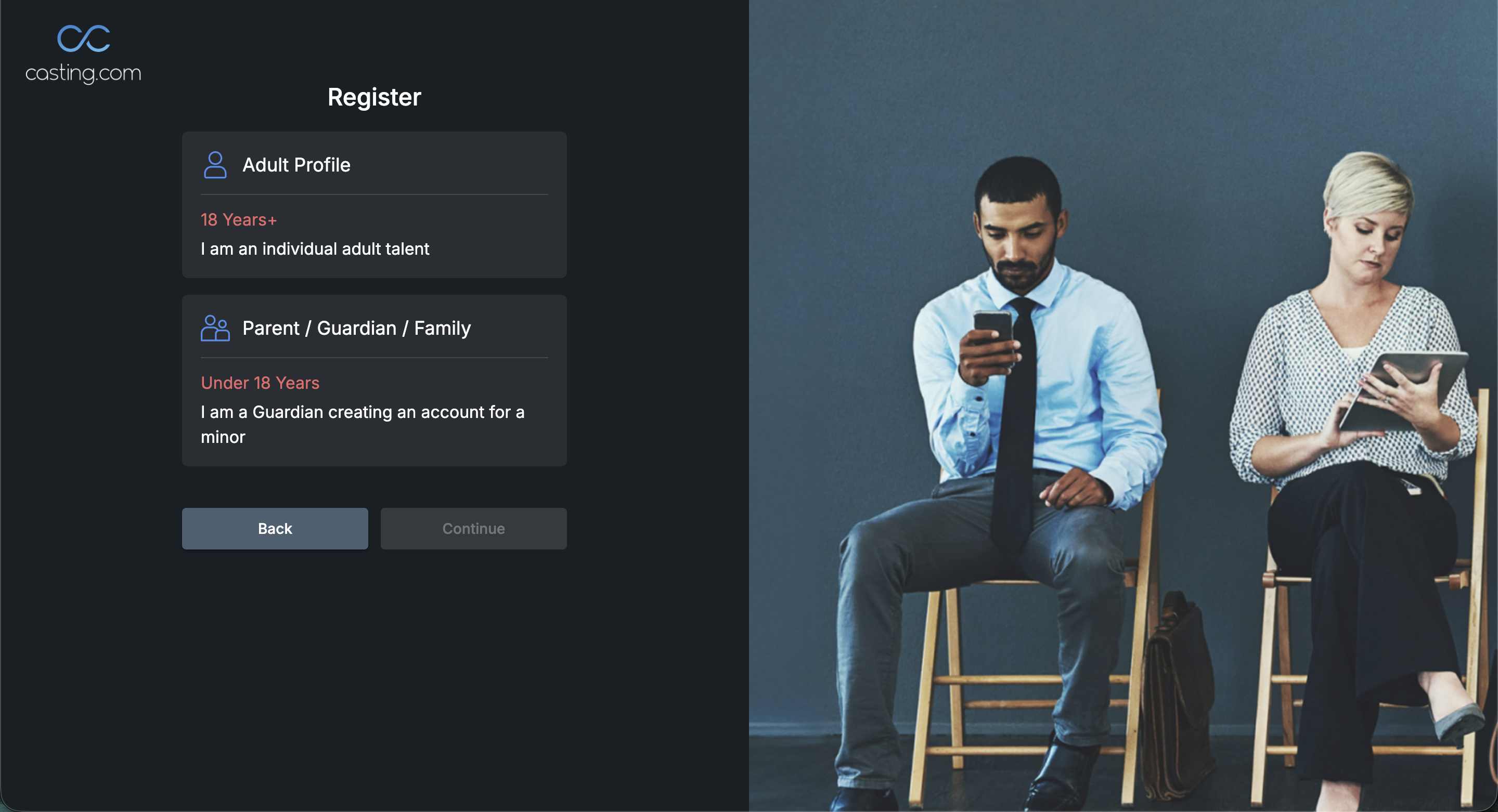
Once you have provided your email address, and created a password, you will be asked if this account is for an Adult Profile or a Parent/Guardian/Family account. Minors must have a family account.
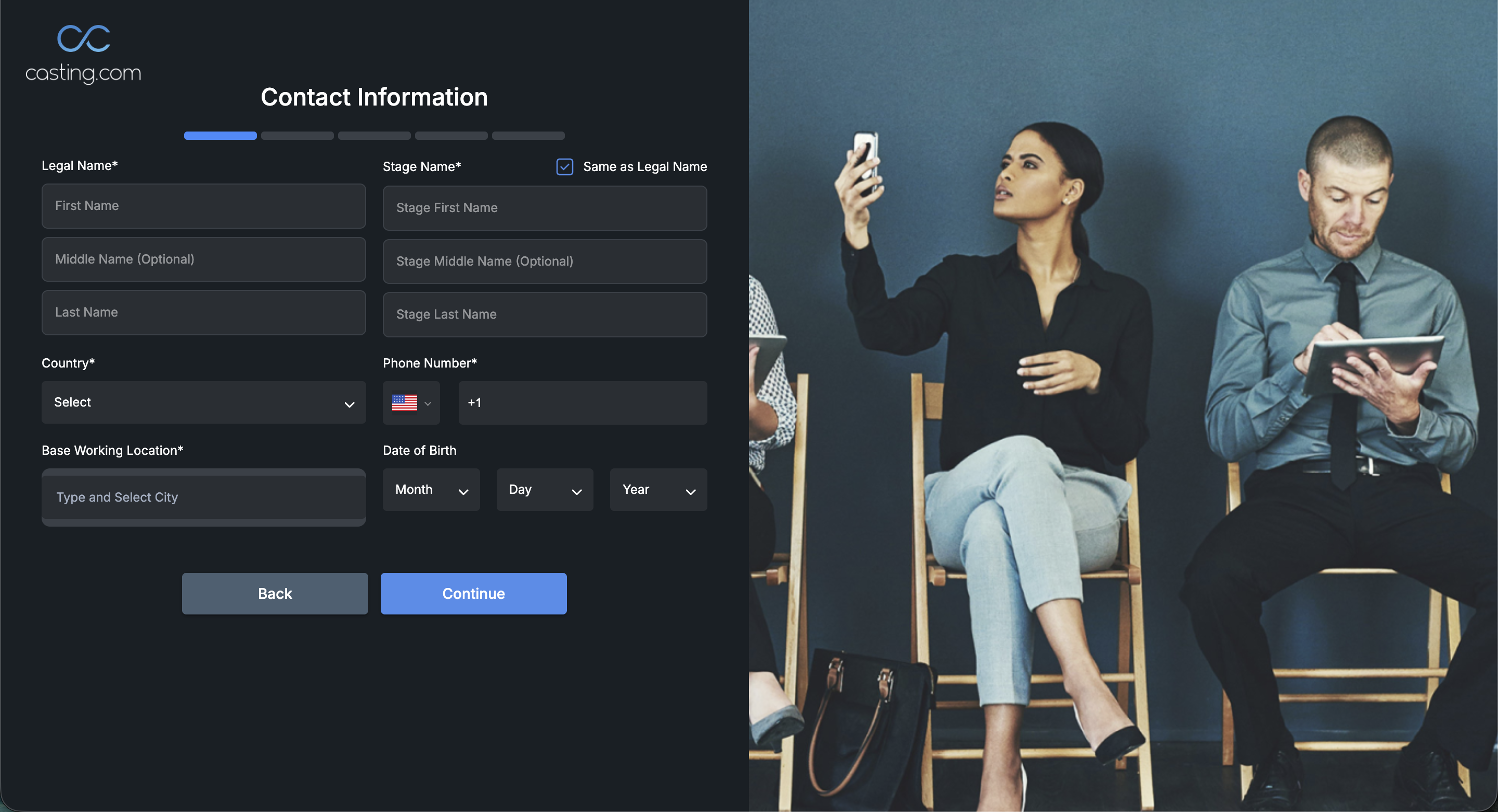
If you select the Adult Profile, you will then be taken to this page. You must fill out any field marked with a (*) symbol next to it. Fill out each field, and click continue to register.
If you select the Parent/Guardian/Family you will be asked to fill out the guardians information first, followed by the minor.
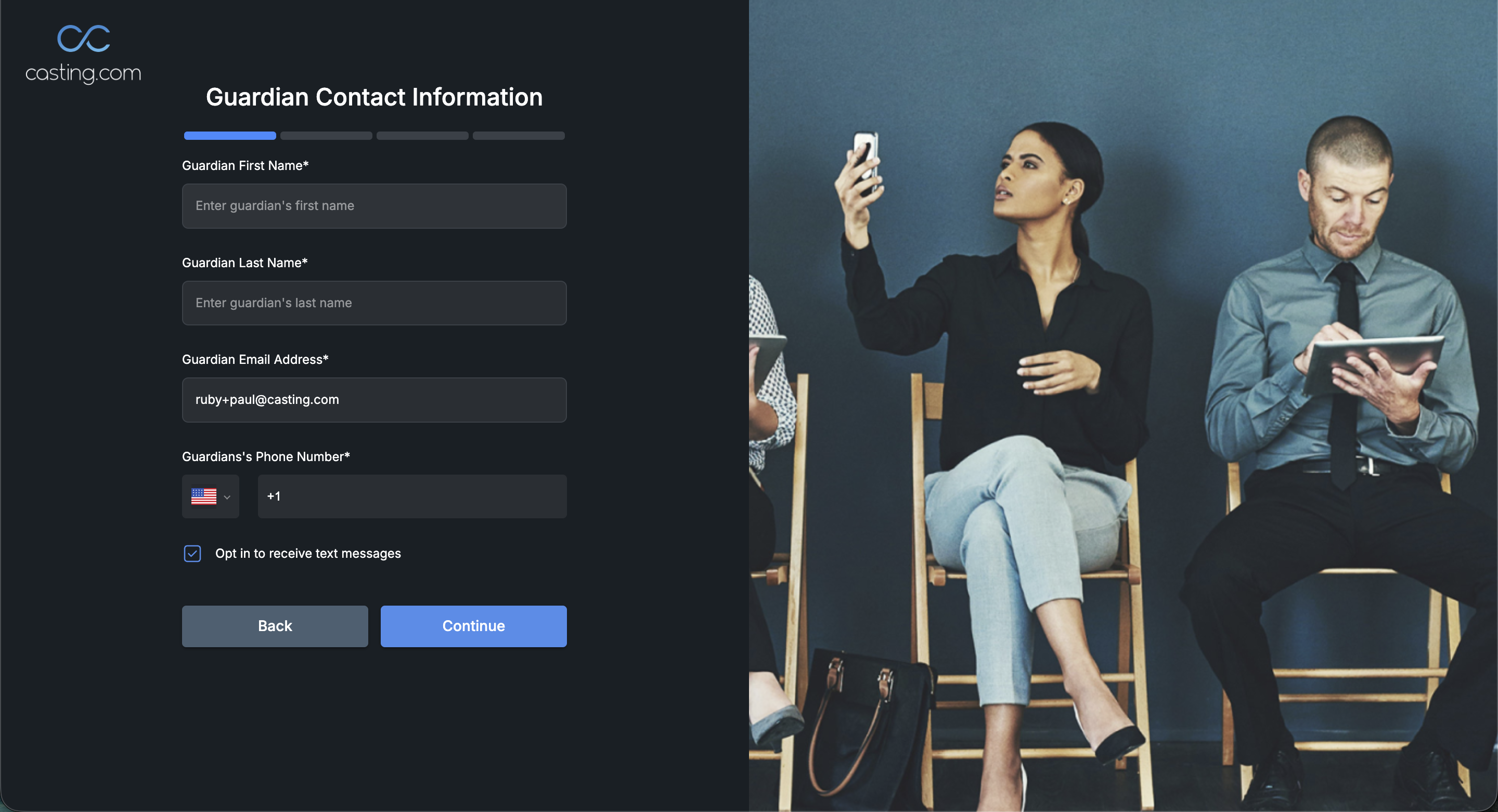
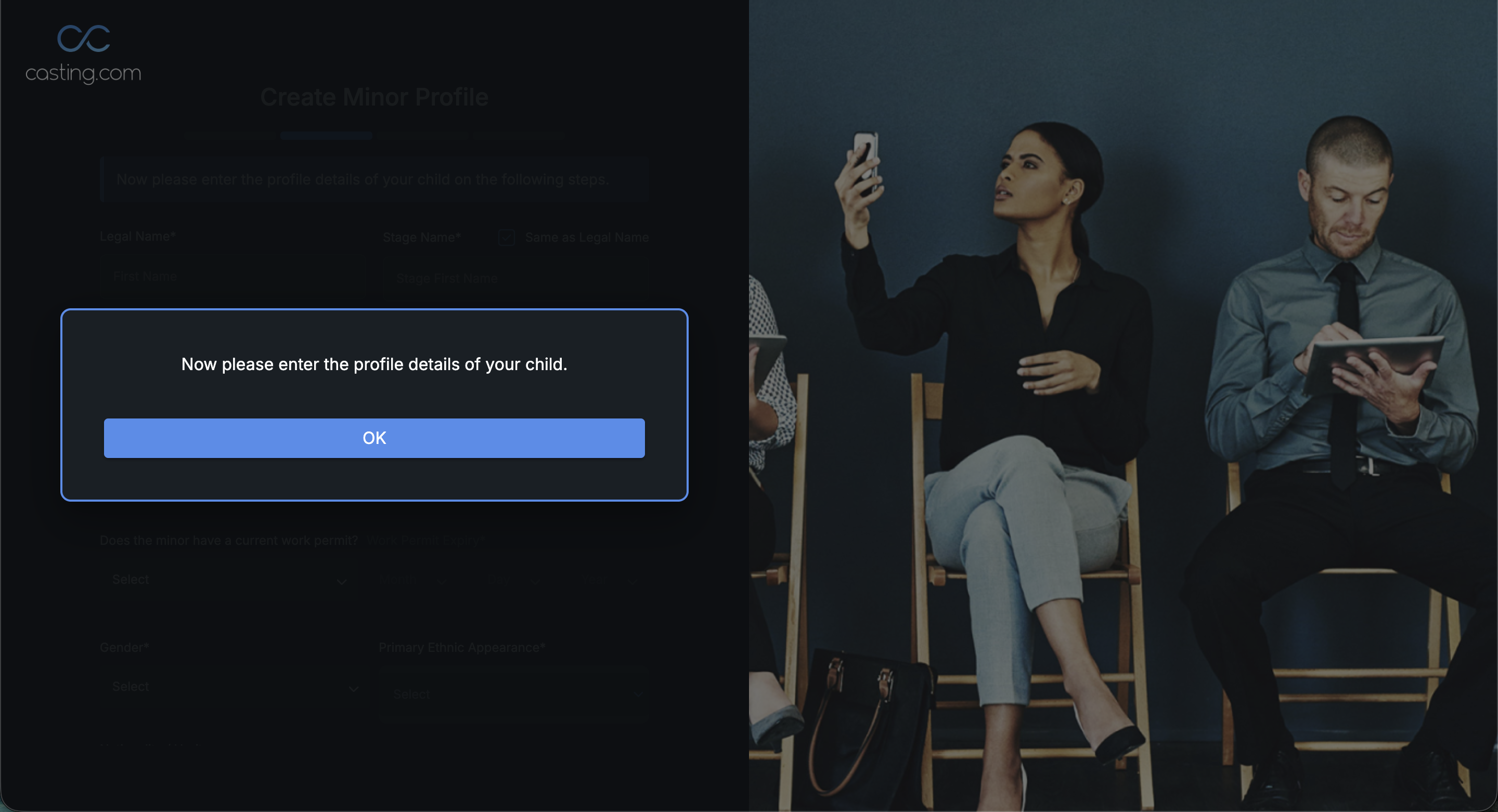
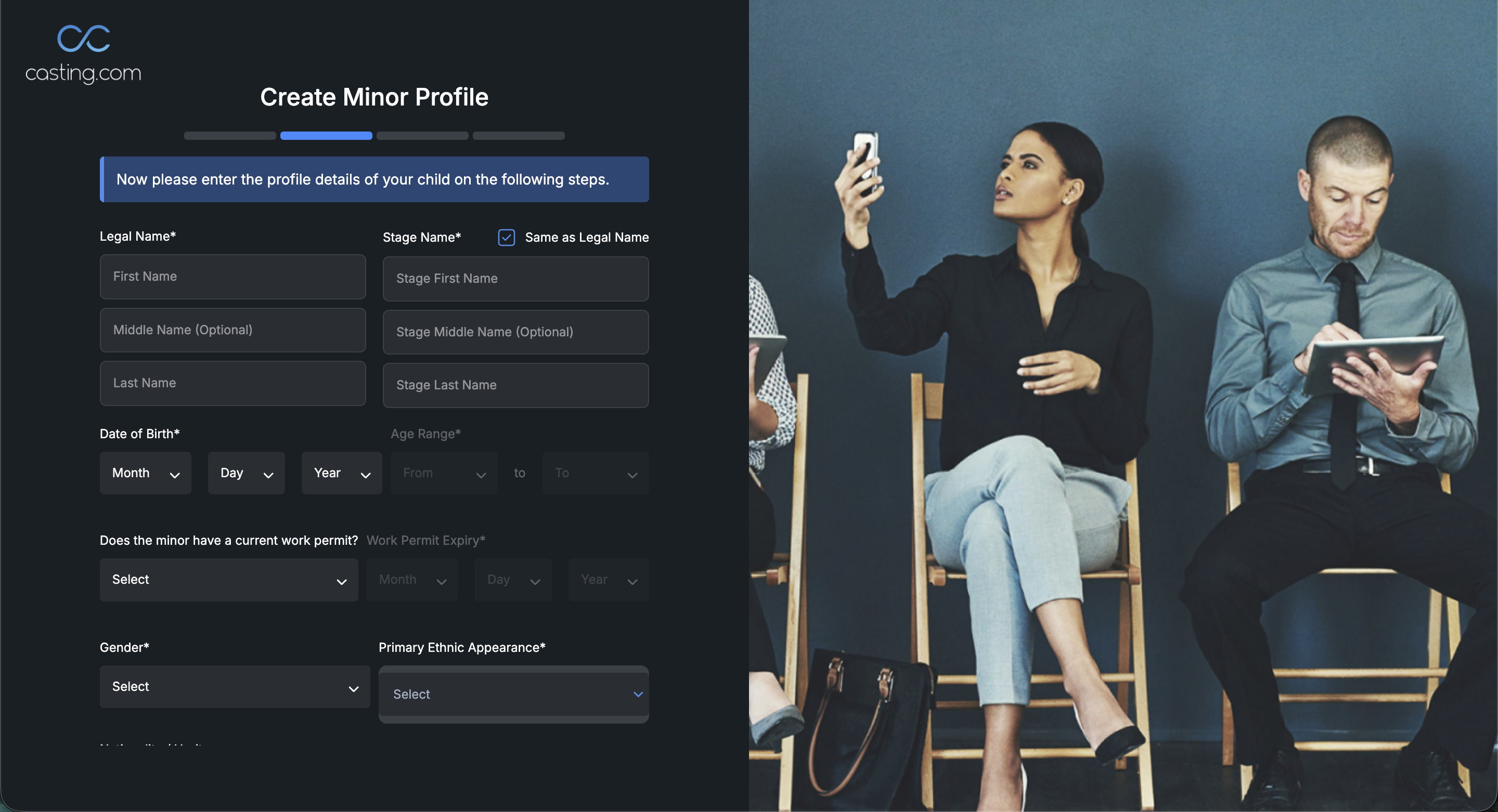
For a more in depth walk-through of how to set up a family account see our article: How Do I Create a Family Account on Casting.com?
Was this article helpful?
That’s Great!
Thank you for your feedback
Sorry! We couldn't be helpful
Thank you for your feedback
Feedback sent
We appreciate your effort and will try to fix the article