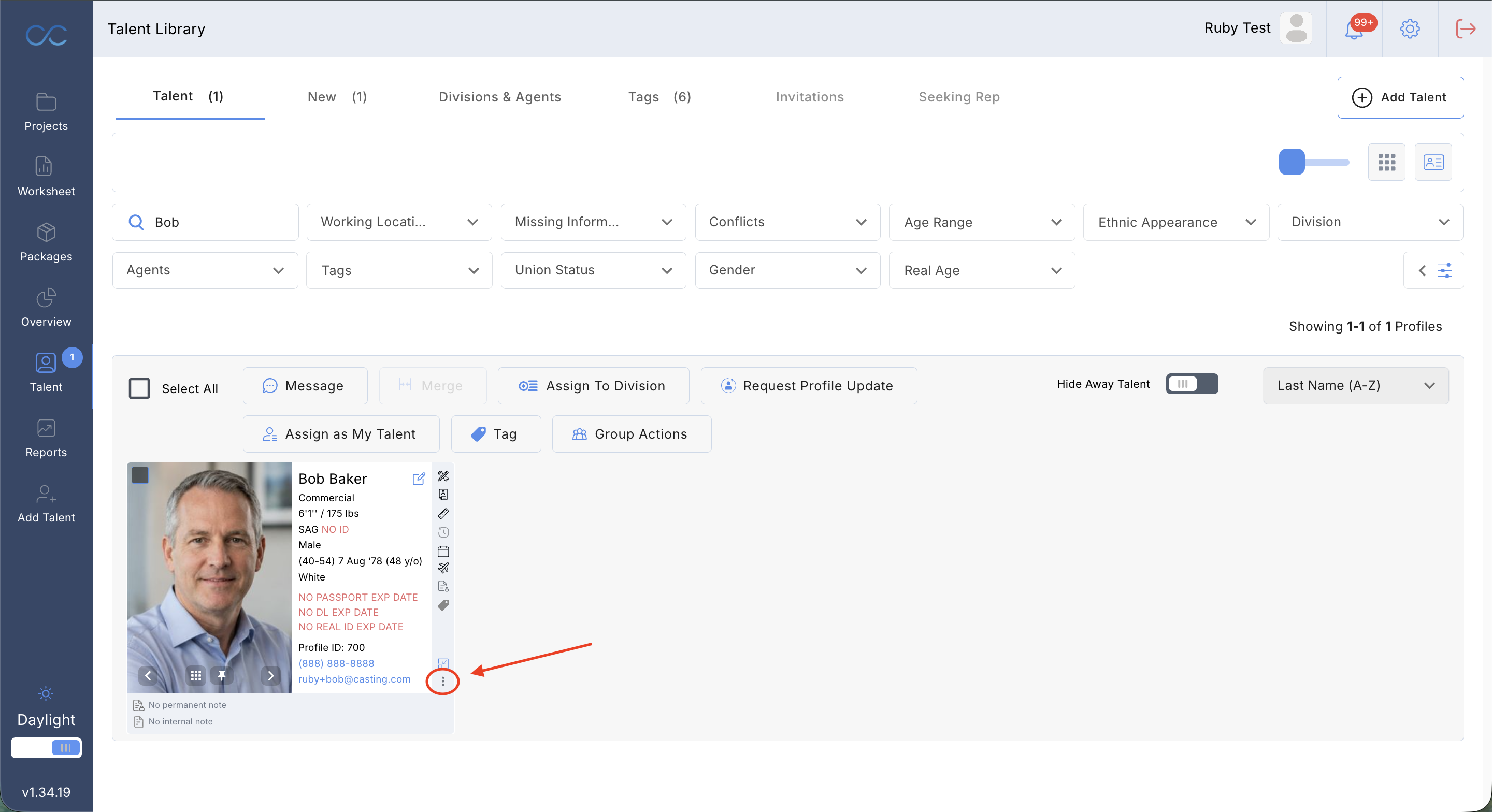
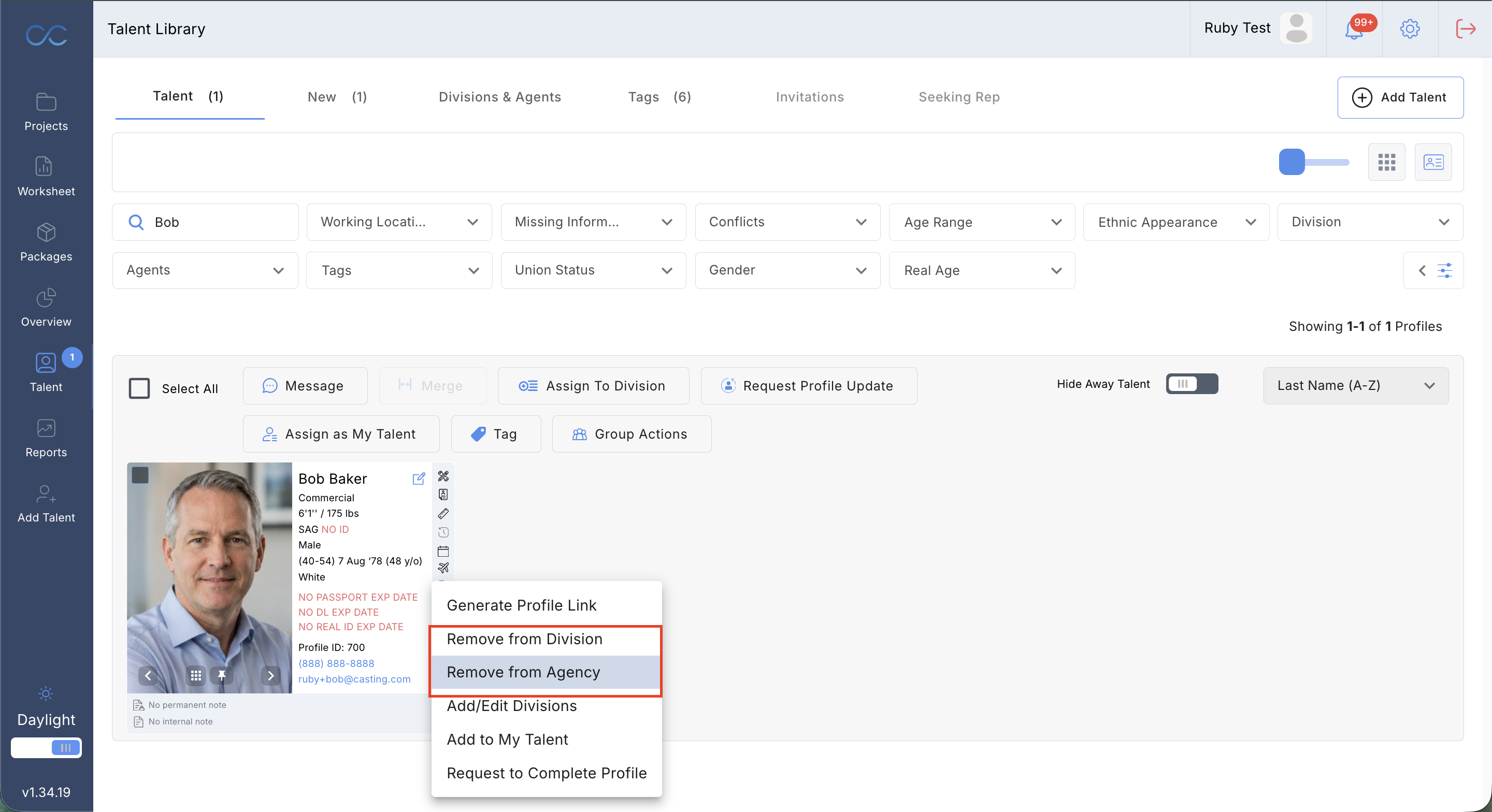
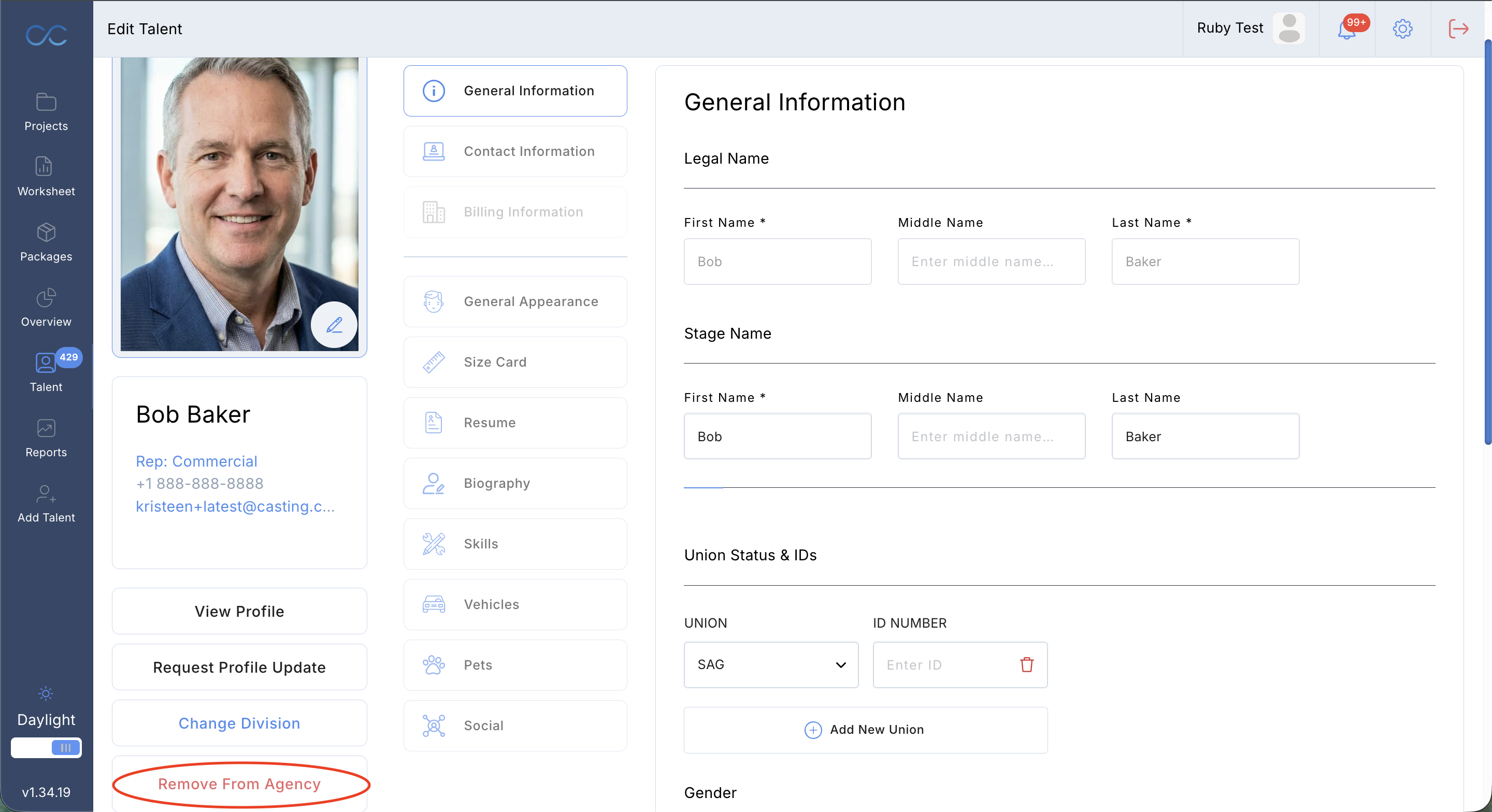
All representatives will have the ability to remove any talent from their company. To do this, you will need to navigate to your talent library and search for the talent you want removed. At the bottom right side of the talent's picture, you will see 3 little dots. Once clicked, there will be a pop up where you can choose to remove talent from your division or agency.
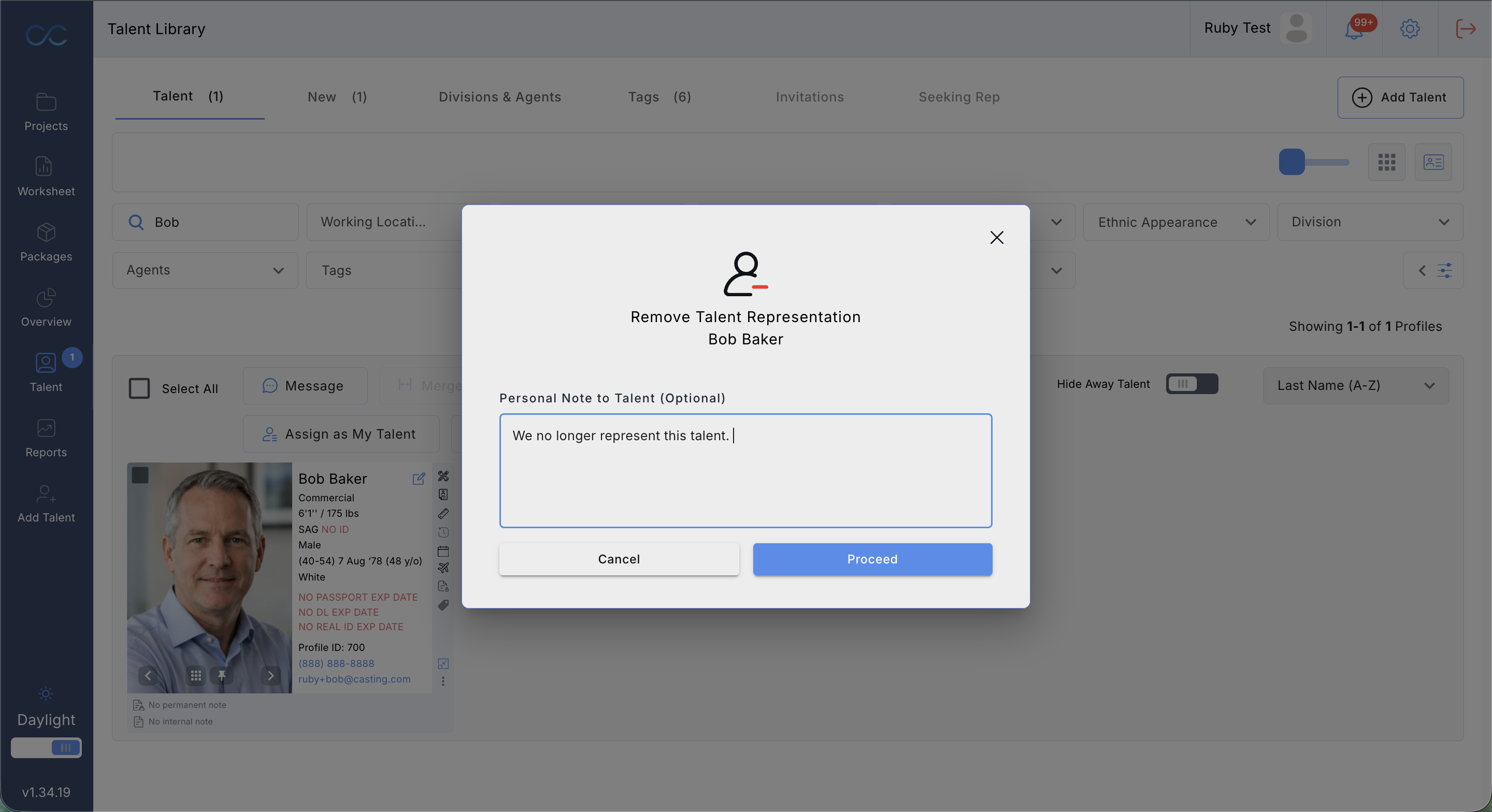
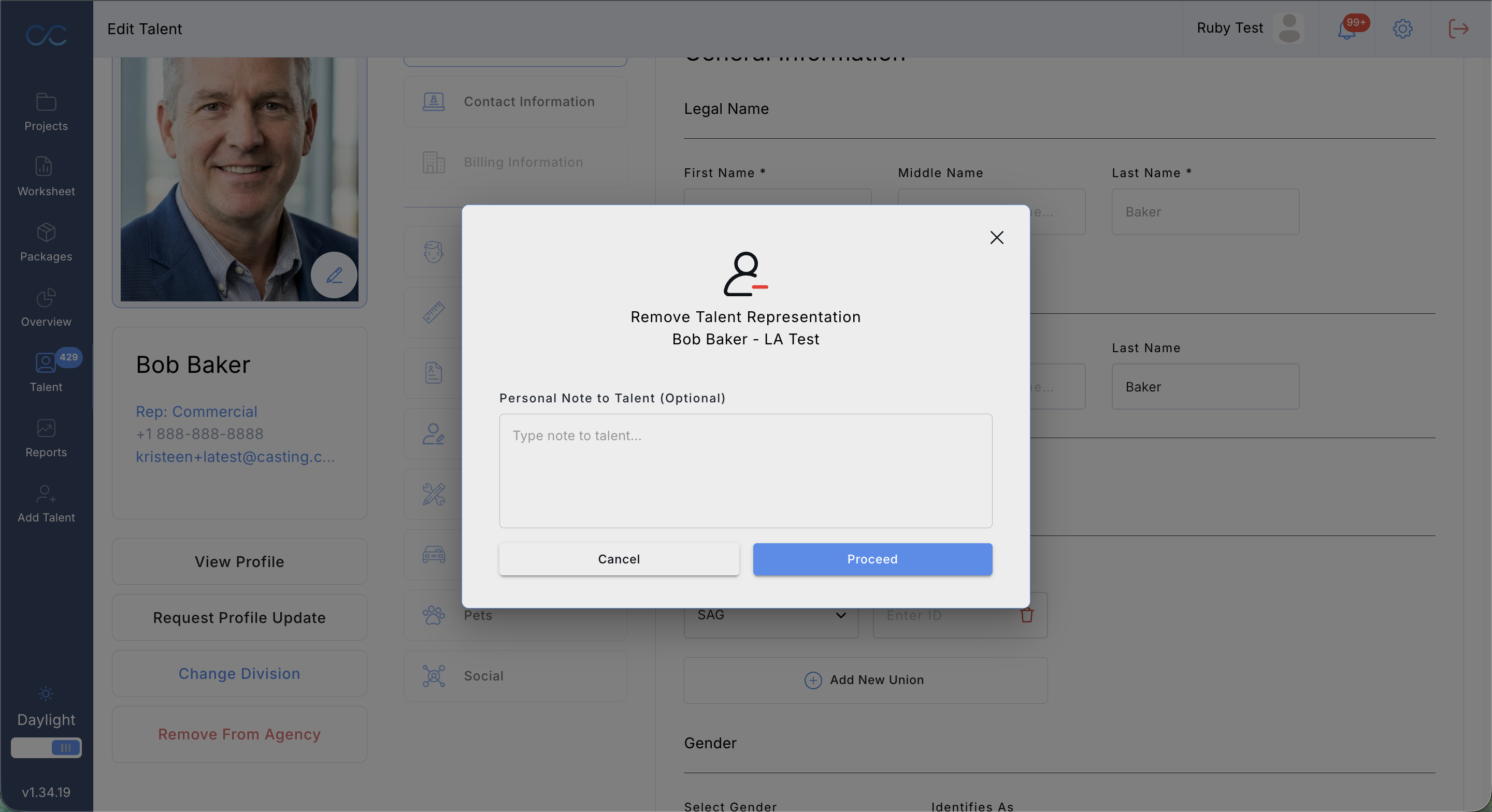
You then have the ability to type in a message to talent, alerting them as to why they are being removed. Please, note this field is optional. If you do not wish to write anything, just click 'Proceed'.
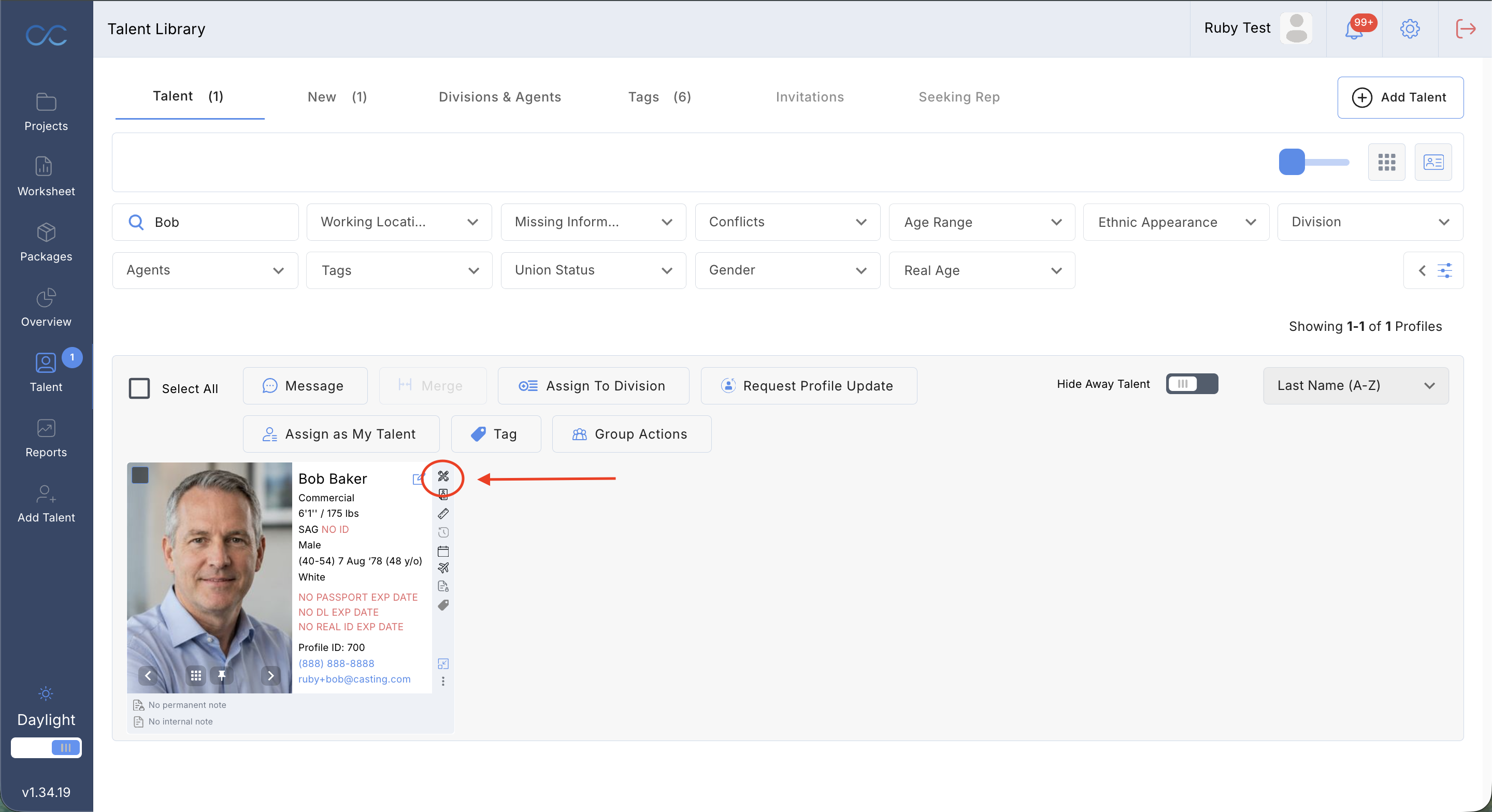
The same process can be done by clicking 'Manage Talent Profile'.

If you have accidentally removed a talent from your company, the talent can always add the representative back. Please have talent refer to the 'How to add/remove Representation' section of our FAQ
Was this article helpful?
That’s Great!
Thank you for your feedback
Sorry! We couldn't be helpful
Thank you for your feedback
Feedback sent
We appreciate your effort and will try to fix the article